Text to 3D
Write what you want and get a textured mesh with clean UVs, ready to drop into a scene.
"Hard-surface quadcopter drone, worn white panels, orange decals"
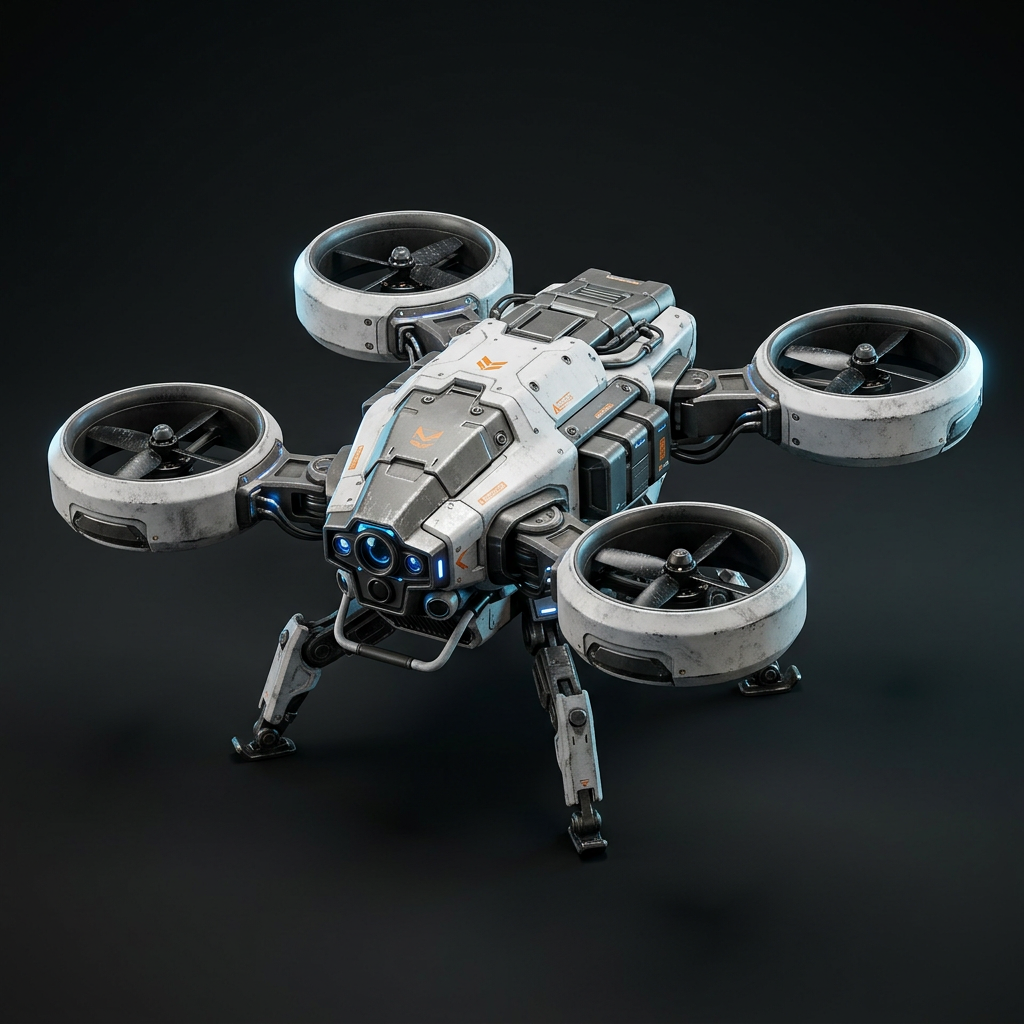
Text to 3D / Image to 3D
Objectify turns prompts and reference images into textured, UV-mapped 3D models. Choose an export supported by your engine, editor, or slicer, then validate the handoff.
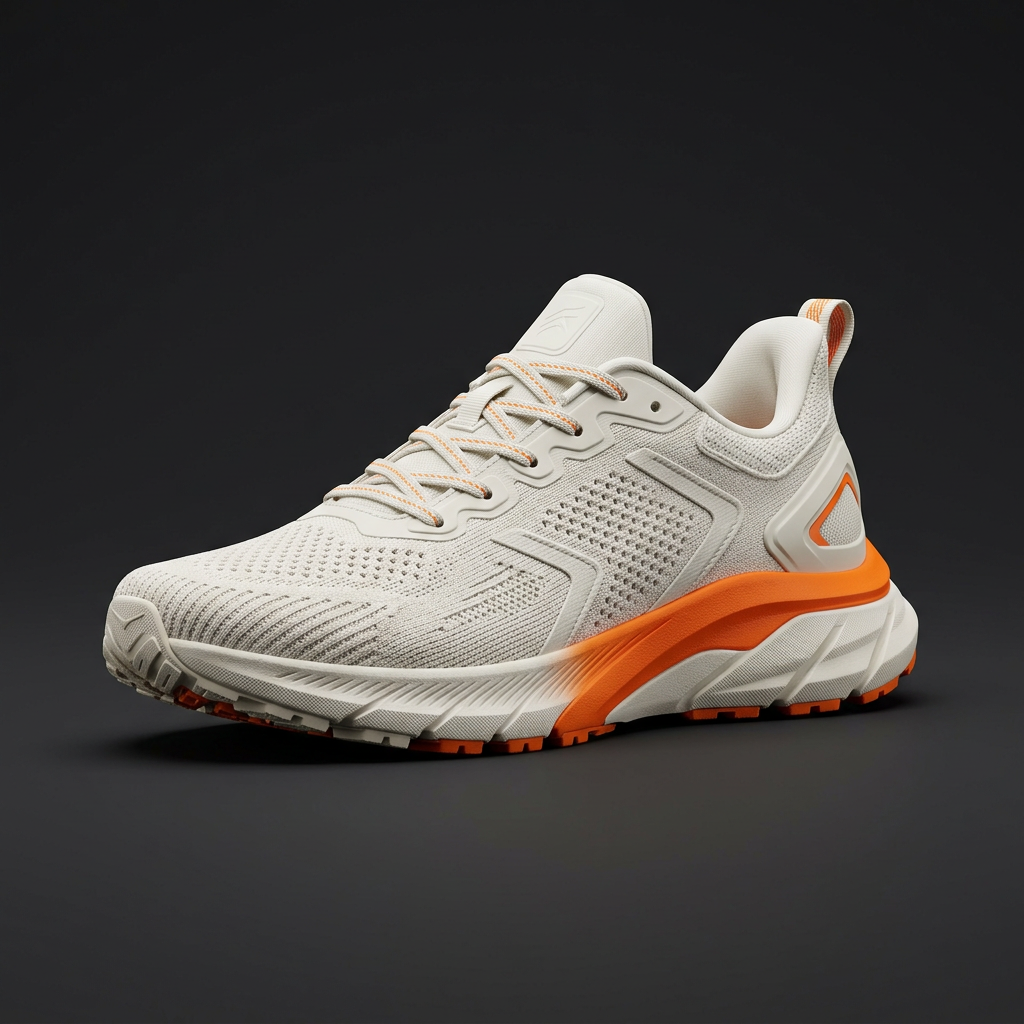
Illustrative concept renders, not Objectify-generated meshes. This demo selects existing images; it does not generate or export a 3D file. Uploaded references stay in your browser and do not drive generation.
Showcase
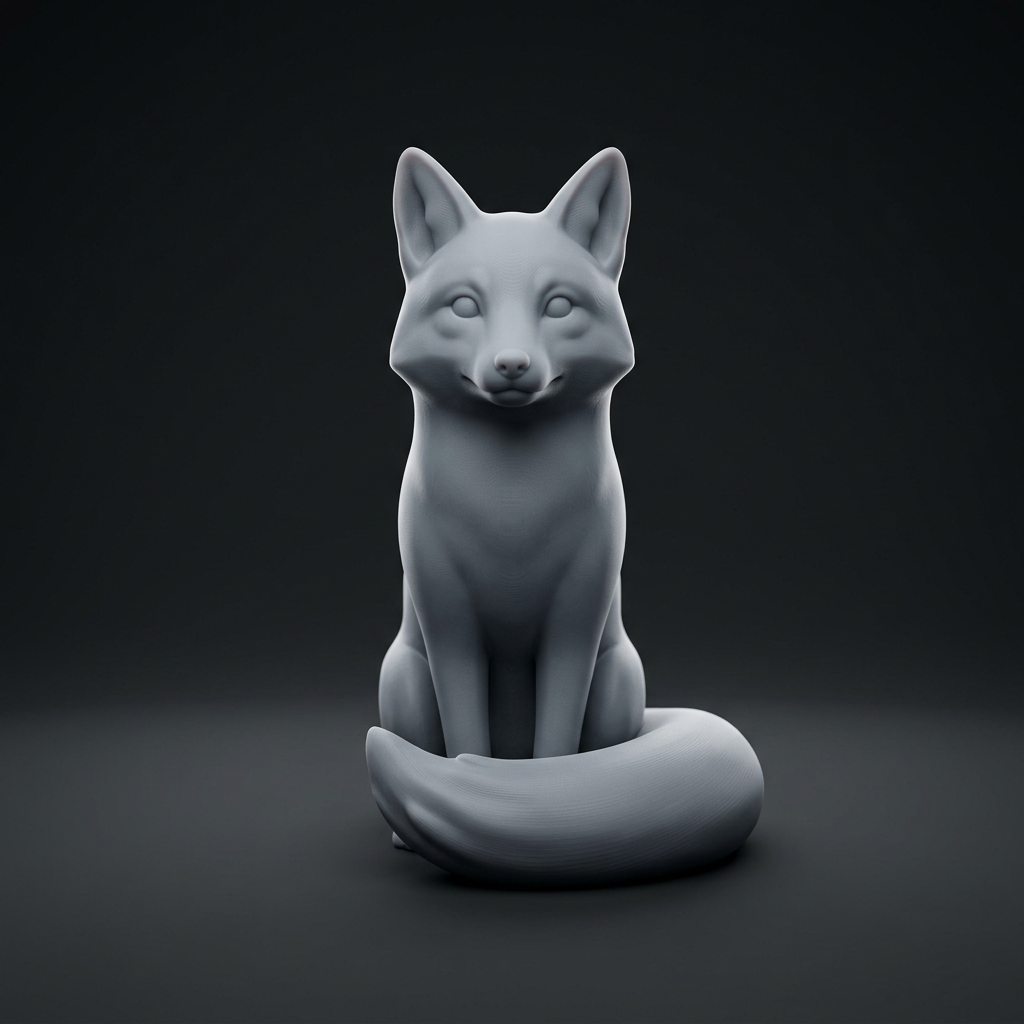
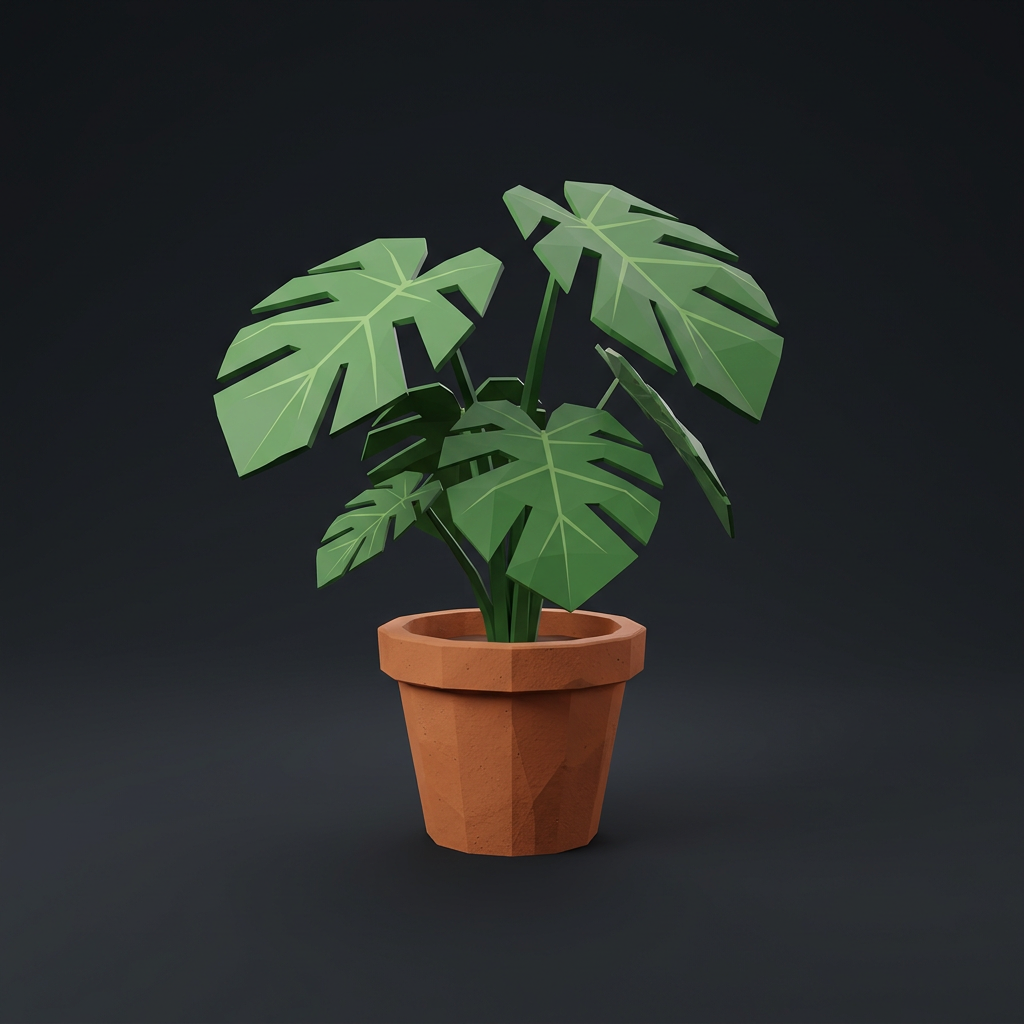
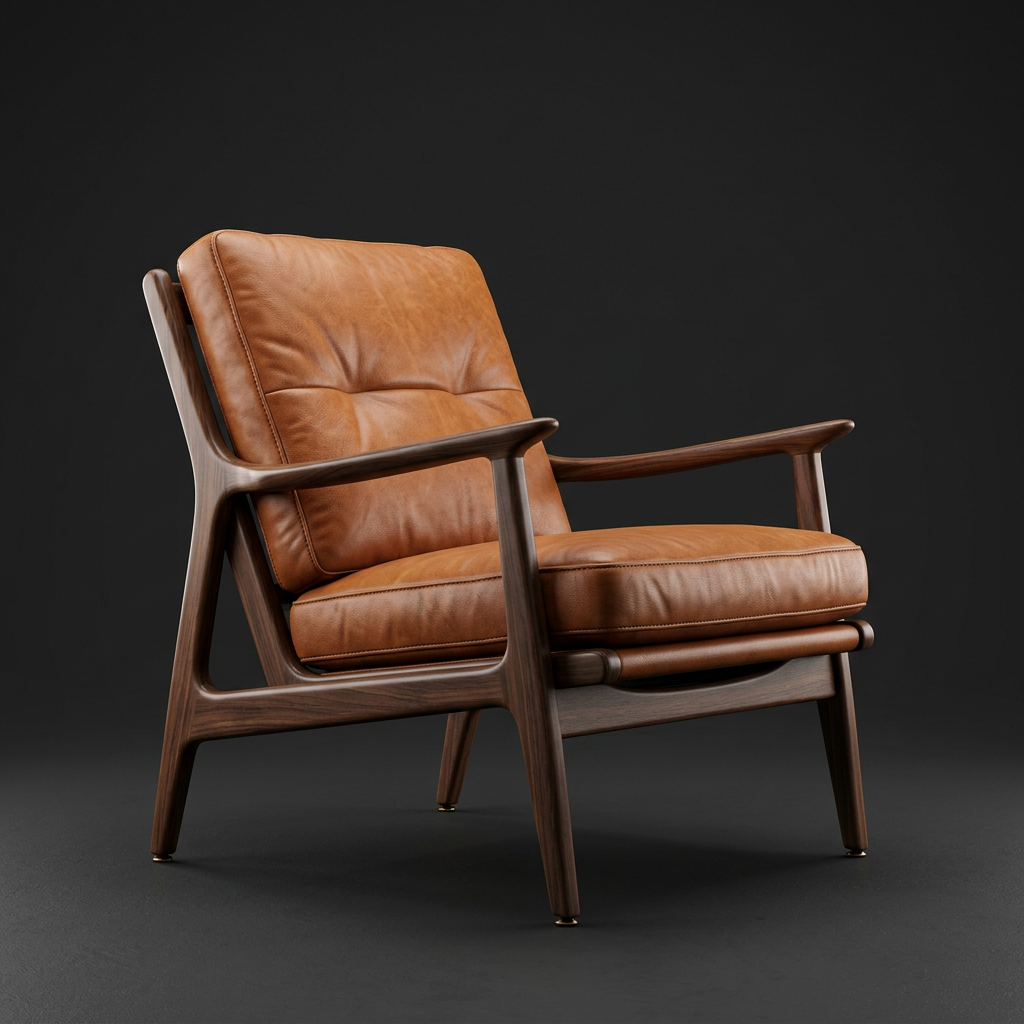
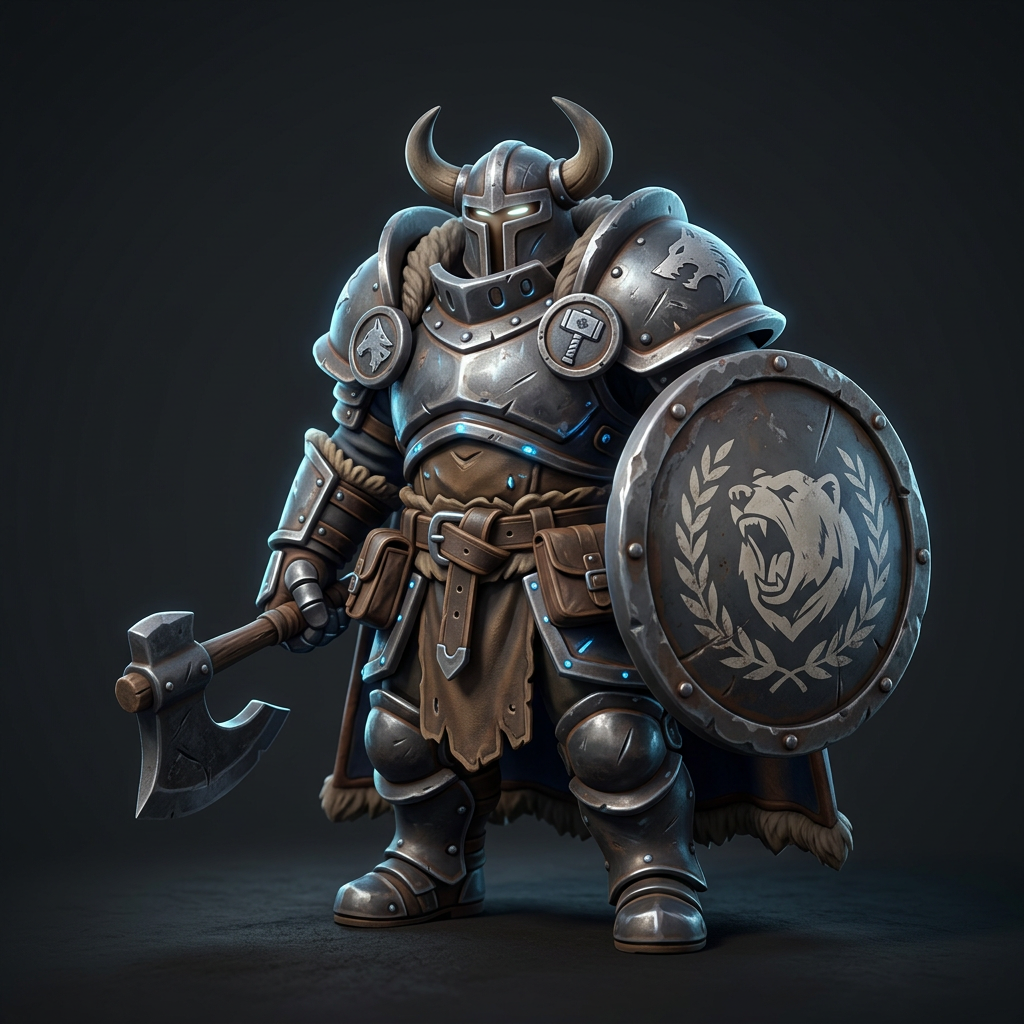
Illustrative concept renders, not verified Objectify outputs. Hover or tap to preview a simulated clay-style treatment; these images are not downloadable meshes or before-and-after product evidence.
Workflow
Judge shape before color. These illustrative image treatments explain the stages; they are not actual geometry, wireframes, or measured Objectify exports.
Start with a sentence or a reference image. Name the material, the style, and the polygon budget, or leave it open and let the model decide.
Prompt · reference · style
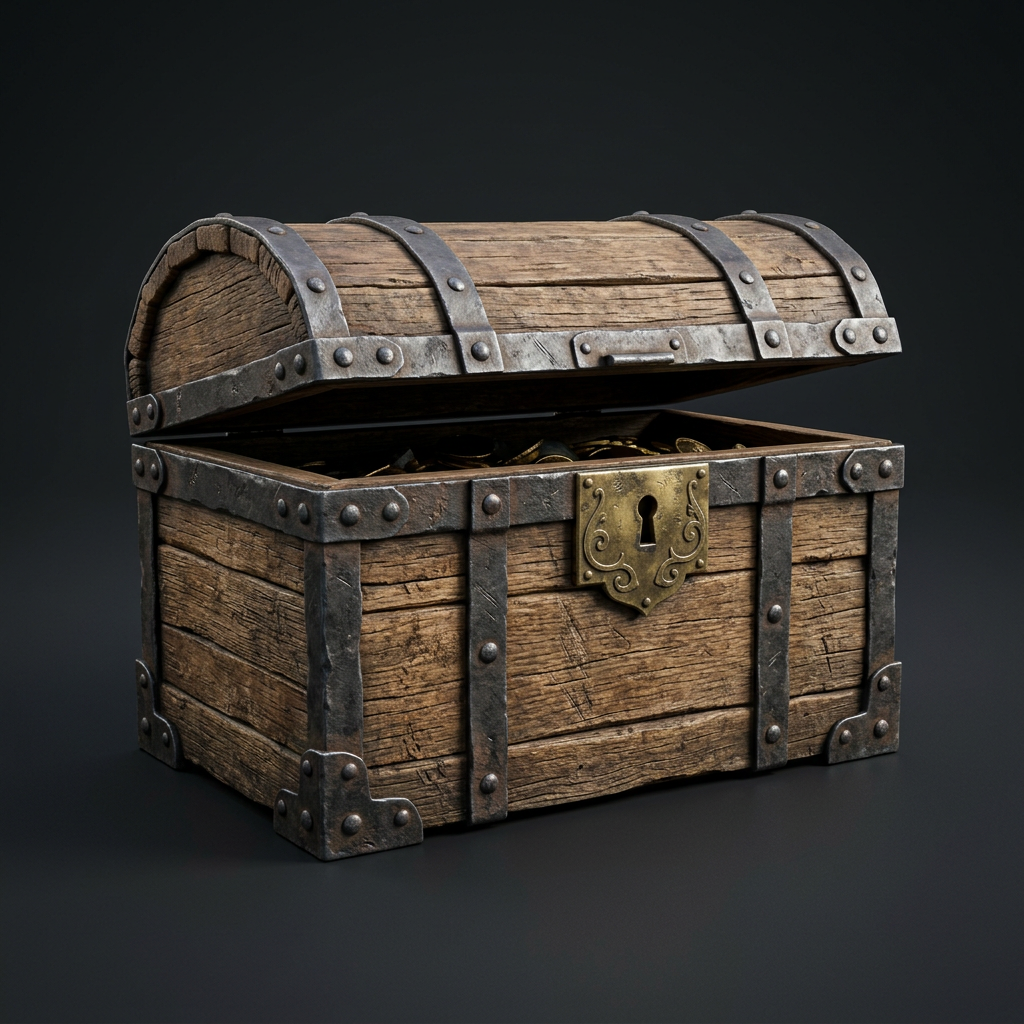
Objectify drafts the geometry first, so you can judge proportion and silhouette on a neutral clay pass before any color is added.
Geometry · clay preview
Retexture, remesh to a face budget, or regenerate a single part. Every pass keeps the history, so nothing you liked gets lost.
PBR texture · remesh
Download clean, UV-mapped files and open them in the engine, DCC, or slicer you already use. No conversion step in between.
GLB · FBX · OBJ · STL · USDZ
Toolset
Generation, texturing, topology, and rigging live in one place, so a model never has to leave Objectify until it is finished.
Write what you want and get a textured mesh with clean UVs, ready to drop into a scene.
"Hard-surface quadcopter drone, worn white panels, orange decals"
Upload a sketch, photo, or concept render. The model keeps its silhouette and palette.
Add front, side, and back references for tighter proportions on characters and products.
Generate base color, roughness, metallic, and normal maps, or retexture a mesh you already own.
Set a face budget and get quad or triangle topology that holds its shape.
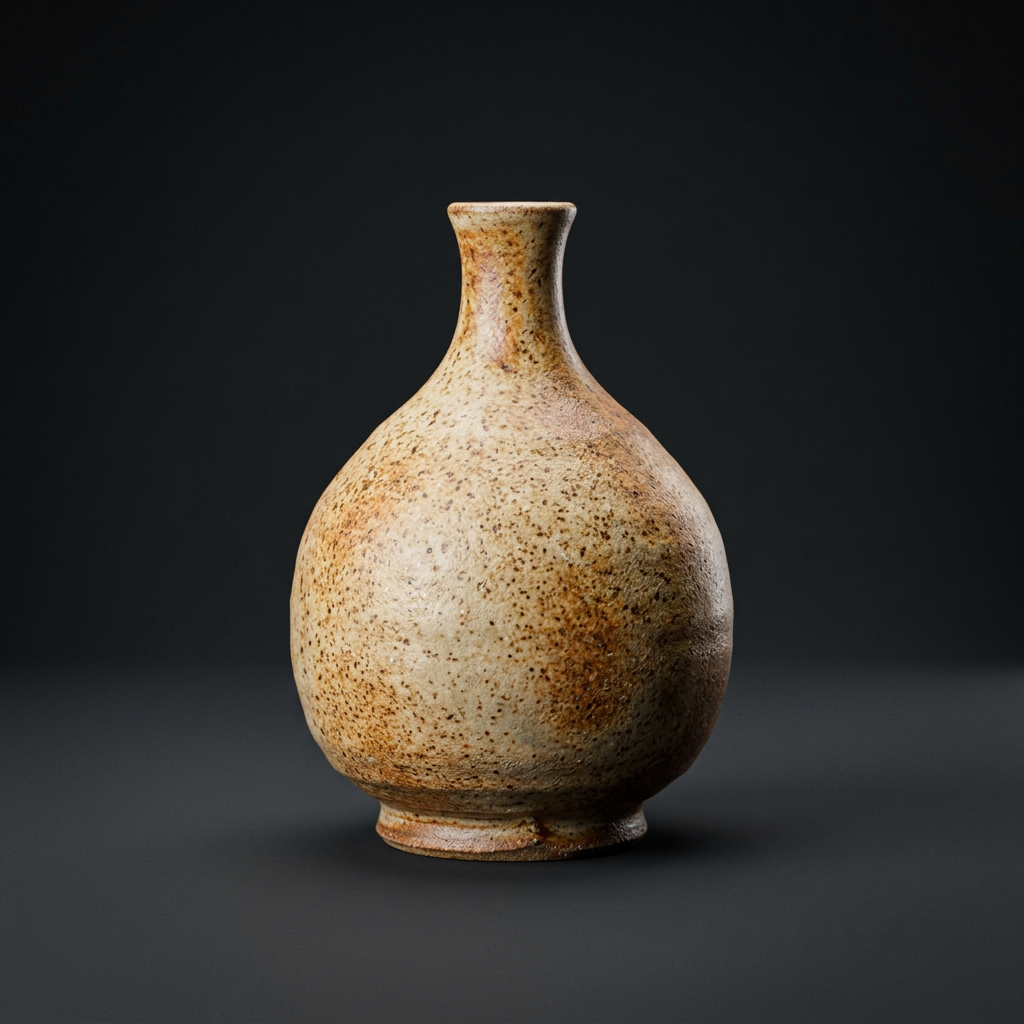
Rig humanoid and quadruped characters automatically, then preview idle, walk, and run cycles.
Industries
Pipeline & API
Export open, standard formats, or call the same generation pipeline from your own code.
Blender, Unity, Unreal Engine, Godot, Maya, Cinema 4D, Houdini, Reality Composer, PrusaSlicer, Bambu Studio.
curl -X POST "$OBJECTIFY_API/v1/generations" \
  -H "Authorization: Bearer $OBJECTIFY_KEY" \
  -H "Content-Type: application/json" \
  -d '{
    "mode": "text",
    "prompt": "weathered oak treasure chest, iron bands",
    "topology": "quad",
    "target_faces": 20000,
    "texture": "pbr",
    "format": "glb"
  }'
Illustrative request. API access is included on Studio and Enterprise plans.
Pricing
For independent artists and developers.
For small teams shipping every week.
For studios with volume and security needs.
Prices in USD. Annual plans are billed once a year. Unused monthly credits do not roll over.
FAQ
Pro, Studio, and Enterprise include commercial use of the models you generate. The terms of service have the full details.